FinOps is the tab that answers a question DBAs rarely get tooling for: what is this server costing us, and is any of it wasted? It reads the same collected data as everything else, but through the lens your finance team actually cares about: provisioning versus utilization, growth, and the databases nobody has touched in months.
What It Shows
The centerpiece is the utilization and provisioning analysis: a server sitting at an average of near-zero CPU with a buffer pool using a fraction of its RAM gets an over-provisioned verdict, with the receipts attached, because “we could downsize this” is a conversation you want to walk into with numbers. Alongside it:
- Database resource breakdown: which databases consume the server, ranked.
- Storage growth over 7 and 30 days, so capacity planning is a read, not a project.
- Idle database detection: the databases with no meaningful access, which are also your migration and decommission candidates.
- Per-object analysis: table and index size, growth, usage, and locking and contention, with an object heatmap for the hot spots.
- Index analysis via
sp_IndexCleanup, run live against databases you choose: duplicate, overlapping, and unused index findings from the real proc, not a folklore score. - Application connections and server inventory: who’s connecting, and what hardware and edition you’re paying for.
- Cost recommendations: enterprise feature audits, right-sizing, and compression savings candidates.
You can assign each server a monthly cost, and the analysis speaks in dollars instead of abstractions. Every grid is column-filterable and CSV-exportable, and you can mark rows Done, To Do, or Do Not Do and have the marks stick, because working through a 400-row index review needs a memory.
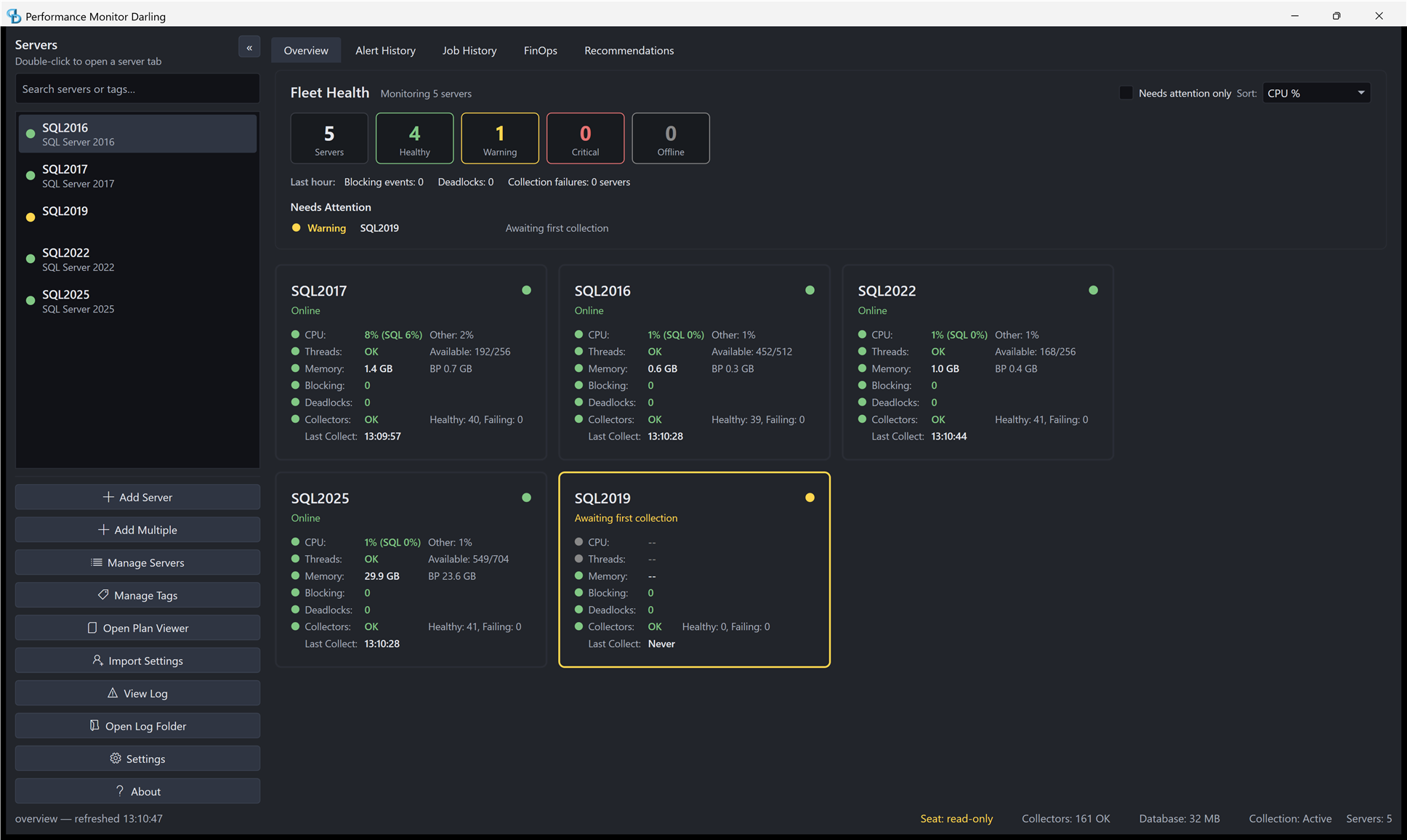
FinOps lives in the desktop apps: it’s a top-level tab in both Lite and the Darling viewer.
One Grant You’ll Want to Know About
The Index Analysis piece executes sp_IndexCleanup as your monitoring login, which needs a user mapping in each database it inspects plus VIEW DATABASE STATE, VIEW DEFINITION, and, the one everyone misses, SELECT on sys.sql_expression_dependencies. The README documents the exact grants and why a smoke-test database can pass while a real one fails.
Where It Lives
FinOps is a tab in Lite and in the Darling viewer, reading whichever store you’re connected to. The findings that overlap with the analysis engine also surface as Recommendations, and expensive queries found here drill straight into the plan viewer.
PerformanceMonitor on GitHub · monitoring overview