Both editions ship a Model Context Protocol server, which means you can point Claude, Cursor, or any MCP-speaking assistant at your actual monitoring data and ask questions in English. “Why was SQL2025 slow this morning” stops being a two-hour DMV archaeology session and becomes a sentence. Darling exposes 134 tools; Lite exposes 77.
The Boundary That Makes It Safe
One rule governs the whole surface, and it’s worth stating before the feature list: no MCP tool ever runs SQL an AI client wrote against your monitored servers. The read tools answer from the monitor’s own collected store. The handful of write tools change the monitor’s configuration, never your servers. The only live contact with a monitored server is the product’s own fixed, read-only queries, running under the same least-privilege login the collectors use. An AI with the token can investigate everything and break nothing.
What an Assistant Can Do
The read surface covers the same ground the dashboards do: wait stats, blocking chains, deadlocks, top queries and procedures, Query Store, memory, file I/O, TempDB, configuration, Agent jobs, fleet health, collection health, and the PostgreSQL family for Postgres targets. Trend reads answer “is this getting worse,” and every windowed read can be anchored at a past incident, so “what was this server doing last Tuesday at 9 AM” is answerable, not just “what’s happening now.”
On top of the reads sit the analysis tools: analyze_server runs the same inference engine behind the Recommendations tab, and plan-analysis tools run the 30-rule analyzer over stored plans. The system-health parser family shreds extended-event XML on read, the same significant-warnings surface sp_HealthParser gives you.
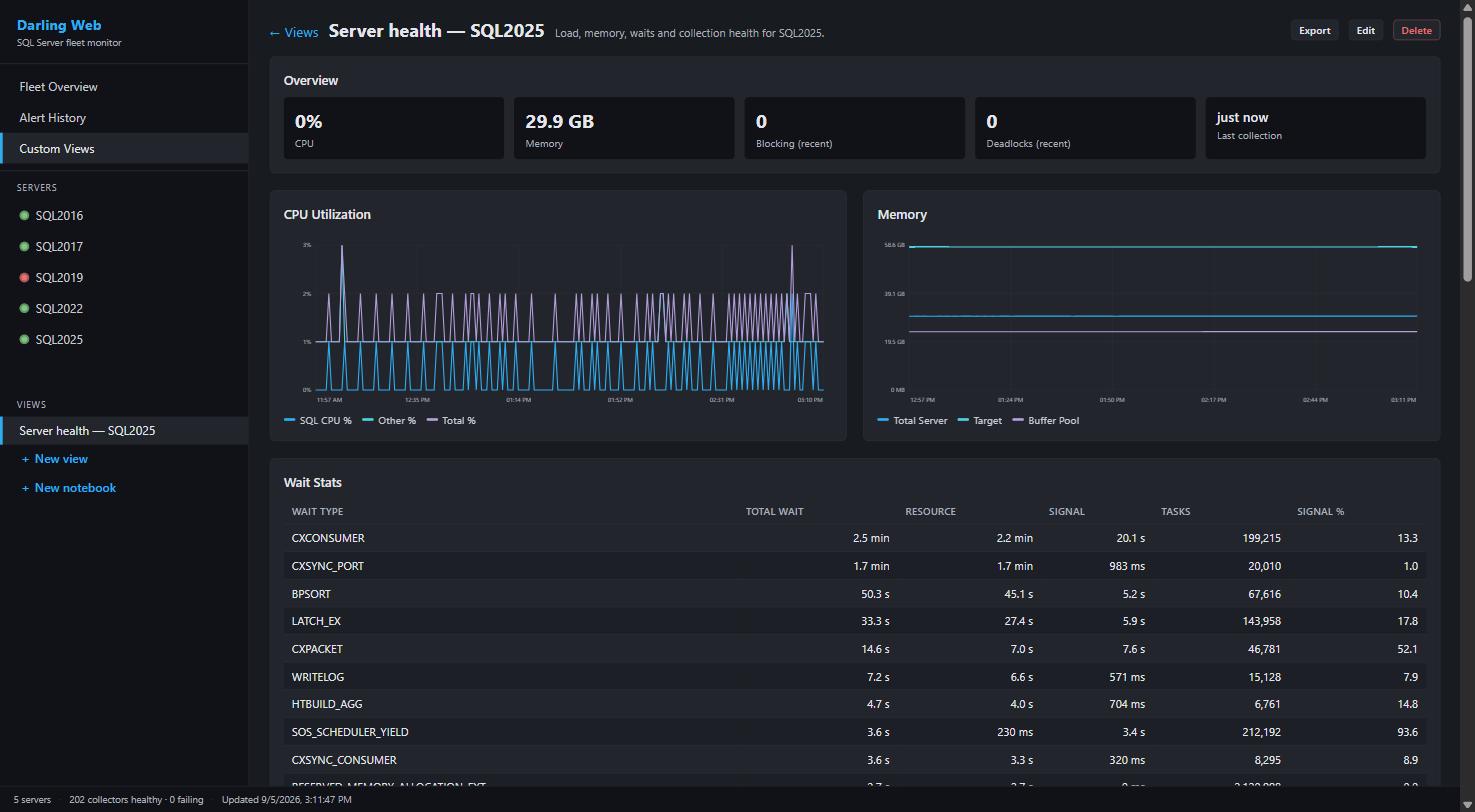
Darling’s nine write tools are where it gets interesting: an agent can create and manage Custom Views (“build me a dashboard for this”), tune alert settings and mute rules through the same validation the Settings window enforces, and onboard or remove monitored servers in bulk, with each entry probed before it’s accepted. Fleet setup as a conversation.

Claude working through blocking patterns using the monitor’s own collected data.
Wiring It Up
Darling’s MCP endpoint speaks Streamable HTTP. Loopback works out of the box once enabled; exposing it to the LAN is opt-in, gated by a bearer token and a CIDR allowlist:
claude mcp add --transport http darling http://your-host:5152 --header "Authorization: Bearer your-token-here"Treat the endpoint as trusted-LAN only: the token gates the entire tool surface, and the onboarding tool necessarily carries credentials in requests. Lite’s MCP server runs locally beside the app. Full setup, including --configure-network and firewall scoping, is in the Darling operator guide.
PerformanceMonitor on GitHub · monitoring overview