Have You Heard The One…
Whenever I’m tuning a long stored procedure, I use sp_HumanEvents to grab query plans and other details about what’s going on.
The thing is… It should be a lot easier than that. Unfortunately, when you tell SSMS that you want to get actual execution plans, it gives you absolutely everything.
For code that loops or has a lot of tiny queries that run leading up to more painful queries. All that is a slog, and can result in SSMS becoming unresponsive or crashing.
It’s be really cool if hitting the Actual Execution Plan button filter out some stuff so you’re not collecting everything.
It could even use the same GUI style as Extended Events.
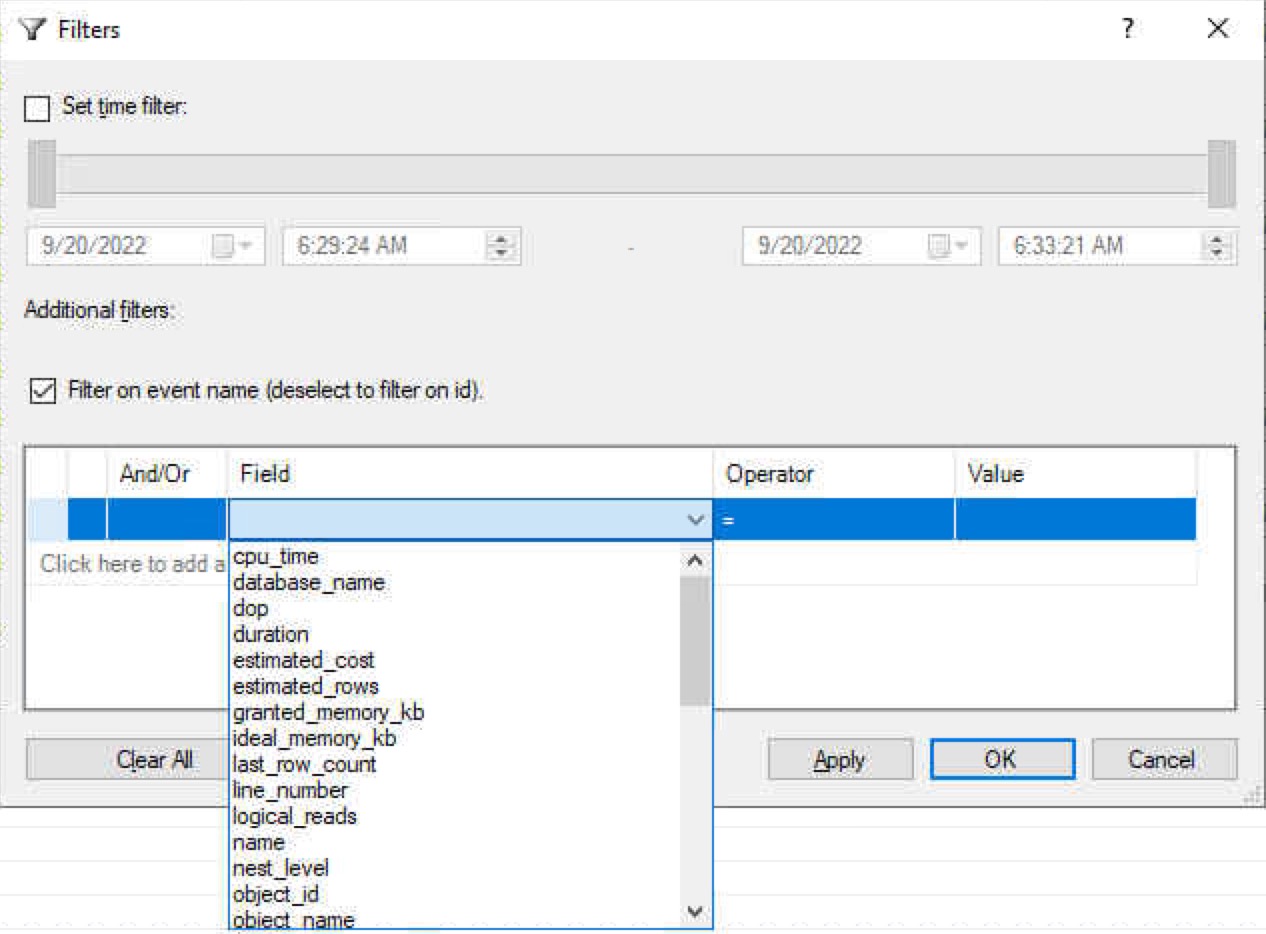
Granted, not all the ones pictured here would make sense, but metrics like CPU and duration would be helpful to keep noisy query plans out of the picture.
Thanks for reading!
Going Further
If this is the kind of SQL Server stuff you love learning about: these days I have AI do the annoying stuff for me. My new video course teaches you to work the same way, and I teach whole teams in a one-day workshop. Someone still has to know enough SQL Server to keep the robots in check, and that’s what my training is for.
What about turning the query plans on in the UI then at the top of your query setting Statistics XML OFF then turn it back on where you are interested in looking at the query plans?
Yep, I talk about that in this post: https://erikdarling.com/getting-specific-query-plans-from-stored-procedures/
But that only works when you know which query you want a plan for. If you’re just trying to figure out which queries need help, that doesn’t do much for you.